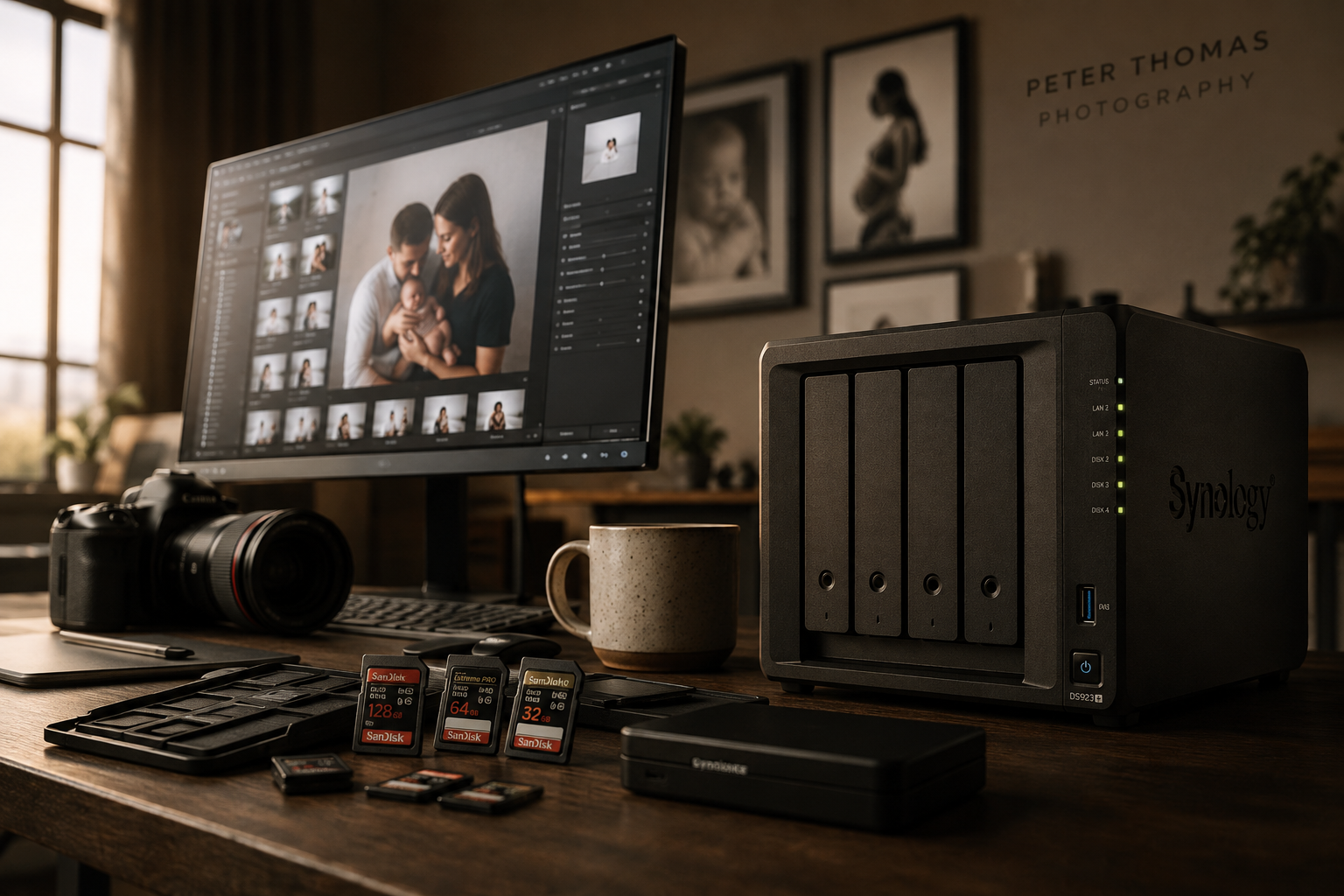
Every card. Copied, verified, named. easy.
Our studio struggled with failed or slow card copies.
Connections to our server would drop, folders could be wrongly named.
So we created Photolino Copy!
how it works
Plug your card(s) in.
Plug your cards in, Photolino will use your preset to copy your card.
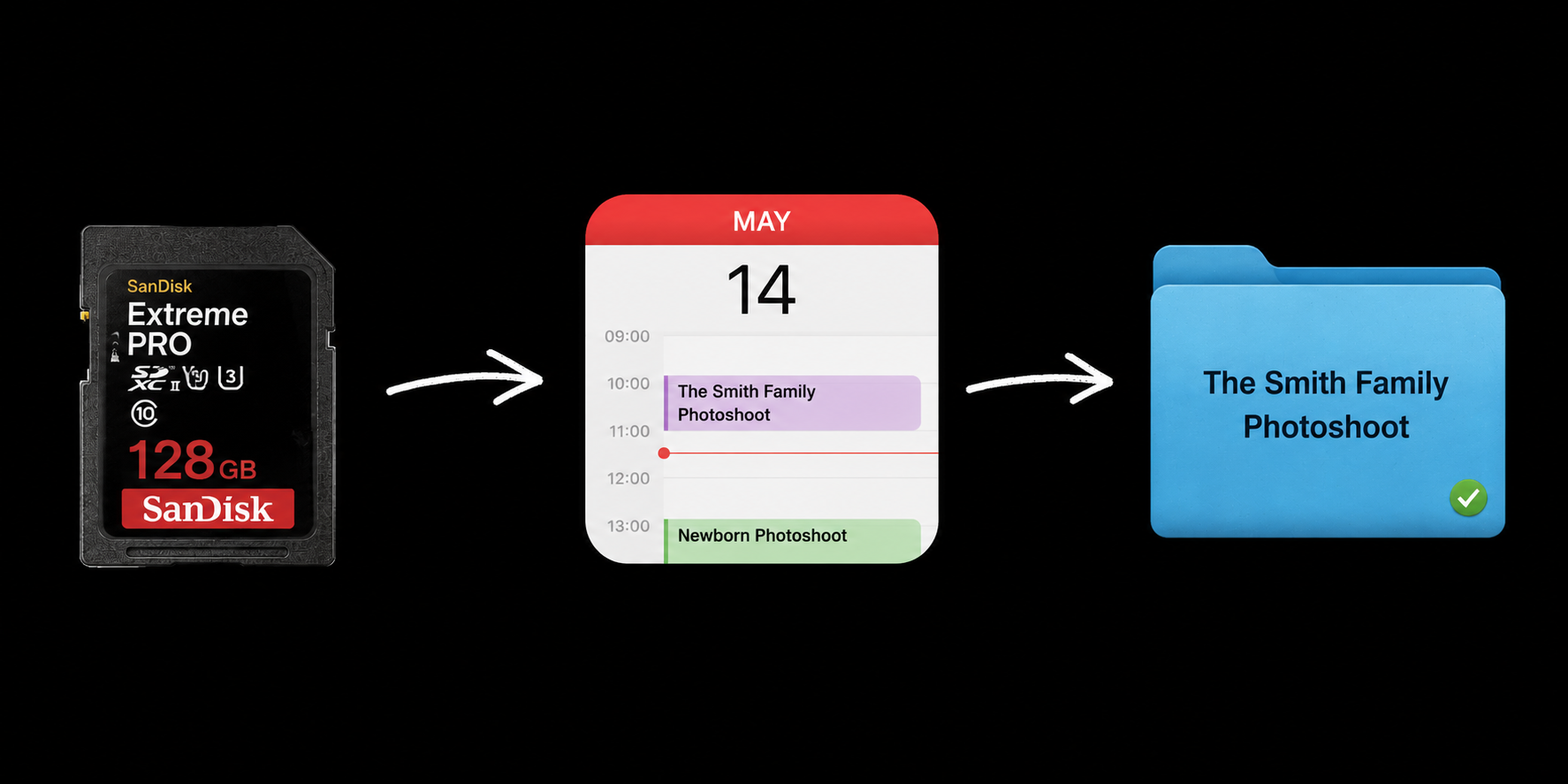
AUTO-name your folder.
Photolino looks at your calendar to name the folder. Had a newborn shoot at 2pm? Photolino will auto name with your preset. Never miss-name a folder again
Photolino chooses the fastest way to copy your files. Using a SMB Connection? If it drops out, photolino will restore it automatically and resume.
Grab a coffee and relax.
its all verified.
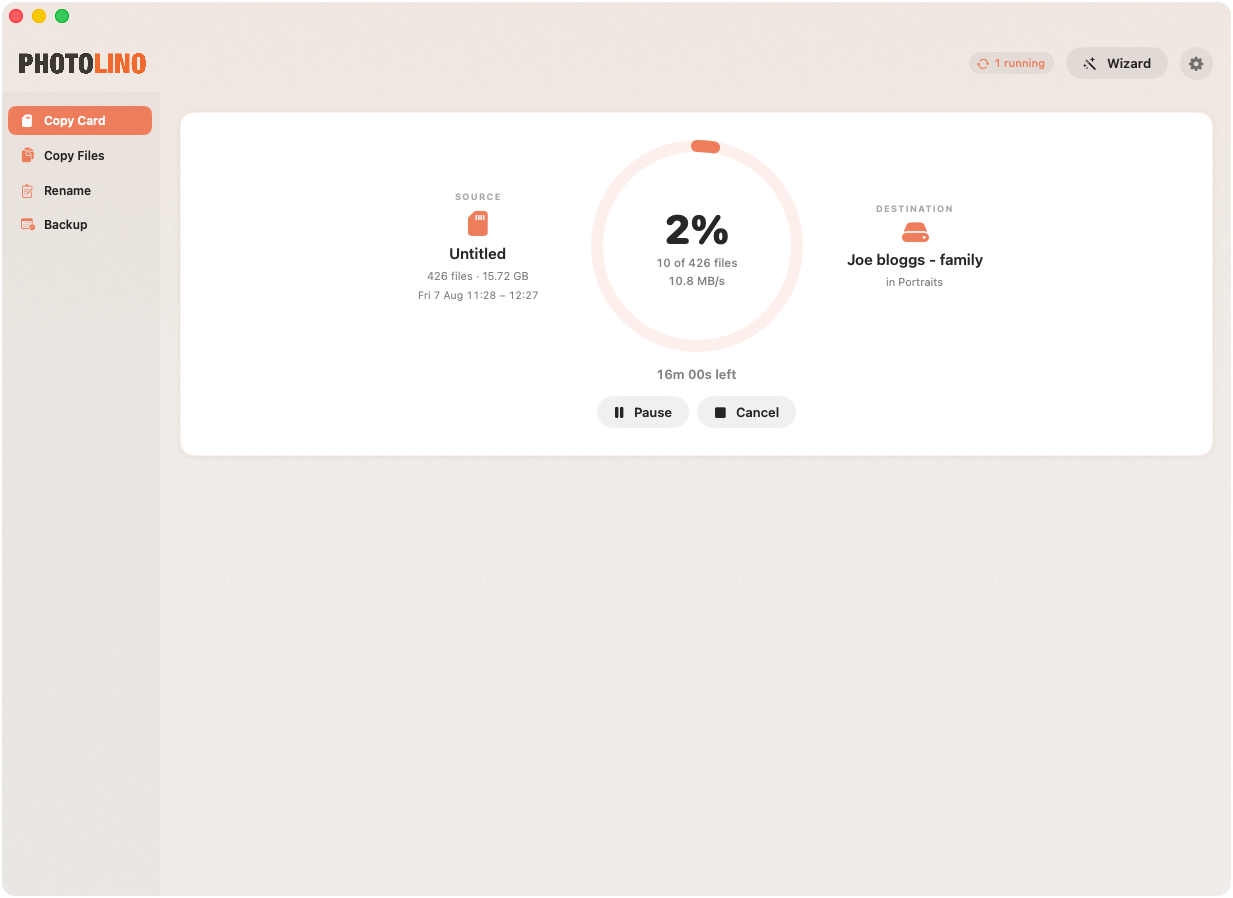
Photolino checks each file has landed correctly. No corrupt files!
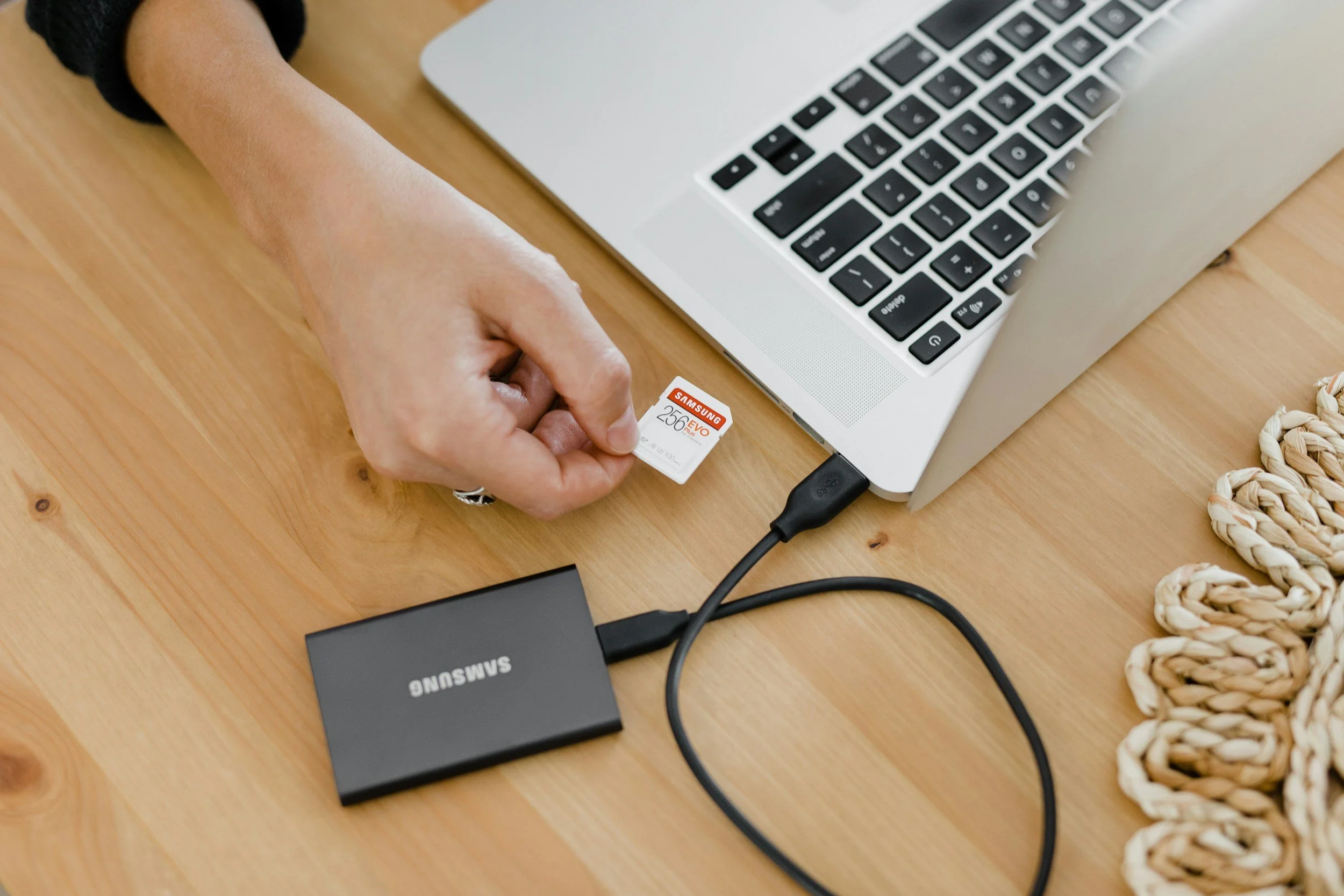
And theres more….
-
Insert a card and let Photolino do the rest. The software automatically suggests a folder name (pulled from your calendar) and the fastest way to copy.
-
Each copy is checked against the original — by size, or full SHA-256 checksum in paranoid mode. Nothing lands unproven.
-
The app reads the capture dates, checks what was in your calendar, and names the folder after the client.
-
Mirror every card to any number of destinations in one run — working drive, archive server, backup disk. Includes Backblaze.
-
Pattern-based renaming ({folder}_{seq} → Sarah & James Wedding_0001.CR3), and shift times to fix a wrong camera clock.
-
An SMB share dropping mid-copy remounts and re-copies automatically, and a re-run only copies what's missing.
It’s not just for memory cards…
File Copy
Photolino Copy also allows you to copy files with the same server safe technology. Simply right click a folder in finder and select ‘copy from here with photolino;
Backups
Simple data backups including one way and two way synchronisation. Backup on a schedule.
view our walk-through videos….
PRICING
7 DAY FREE TRIAL
£5/month, £50/year
(Allows you to install on 2 computers)
Requires MacOS Tahoe and newer