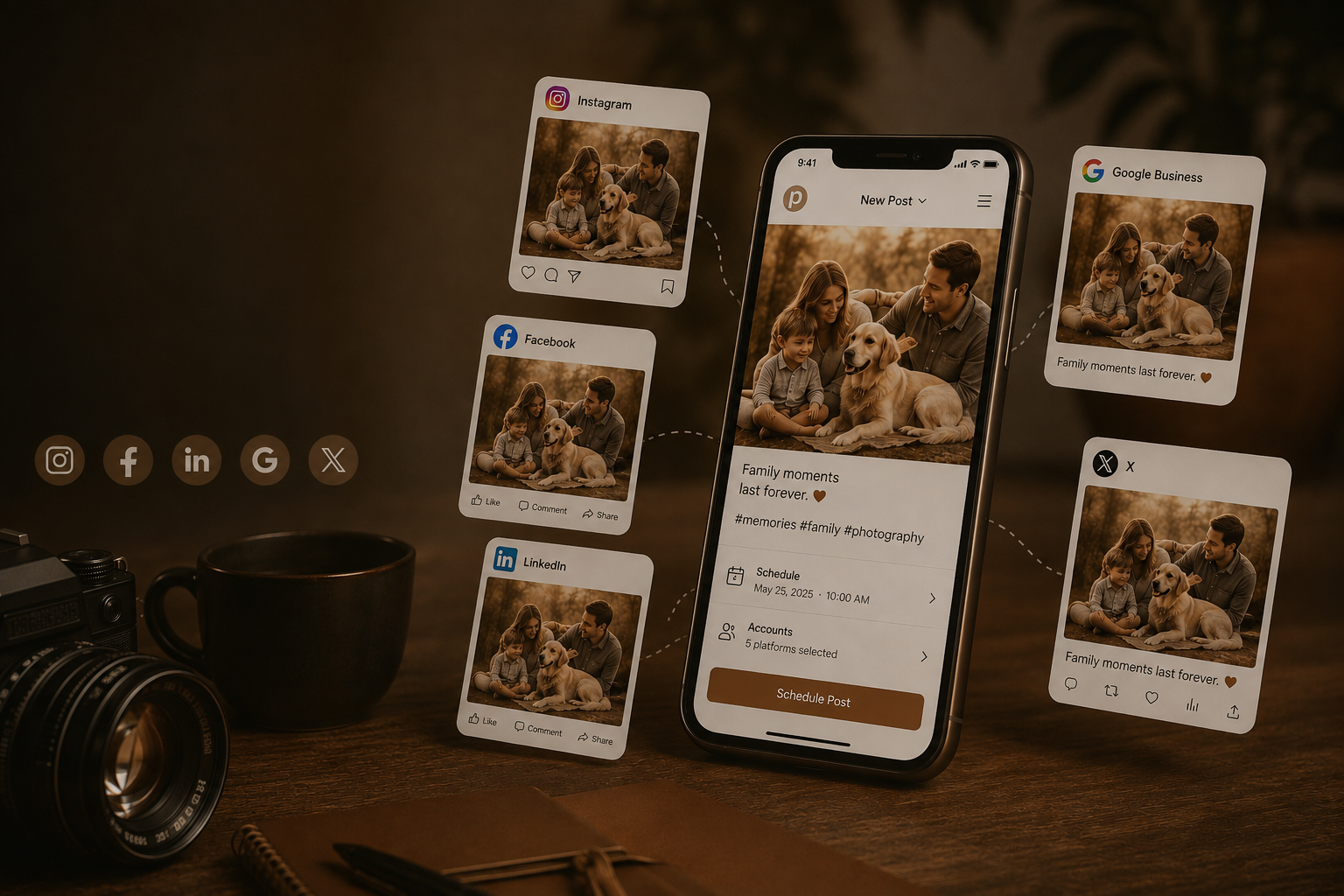
Shoot to social, in seconds…
Resize for every platform, combine photos into boards, stamp on your brand — and keep the whole social library organised.
how it works
Remember taking that amazing photograph that would be ideal for social media or a competition, but can’t find it! Organise your photographs in boards for easy access later. Add them from finder, Lightroom or Photolino View with the press of a button
organise.
Resize for social media and add your logo. Save your brand for next time. Create easy layouts of multiple photographs.
Brand.
Post to your favourite social media channels. Including scheduling of posts, carousels, reels, stories. Use our AI to help write captions and come up with top ideas! Manage several brands in the one app.
socials.
Ai that works…
Captions that hit.
Give Photolino information about your brand, what length and style of captions you want, then let AI guide you in creating the perfect caption, hashtags and even when is best to post.
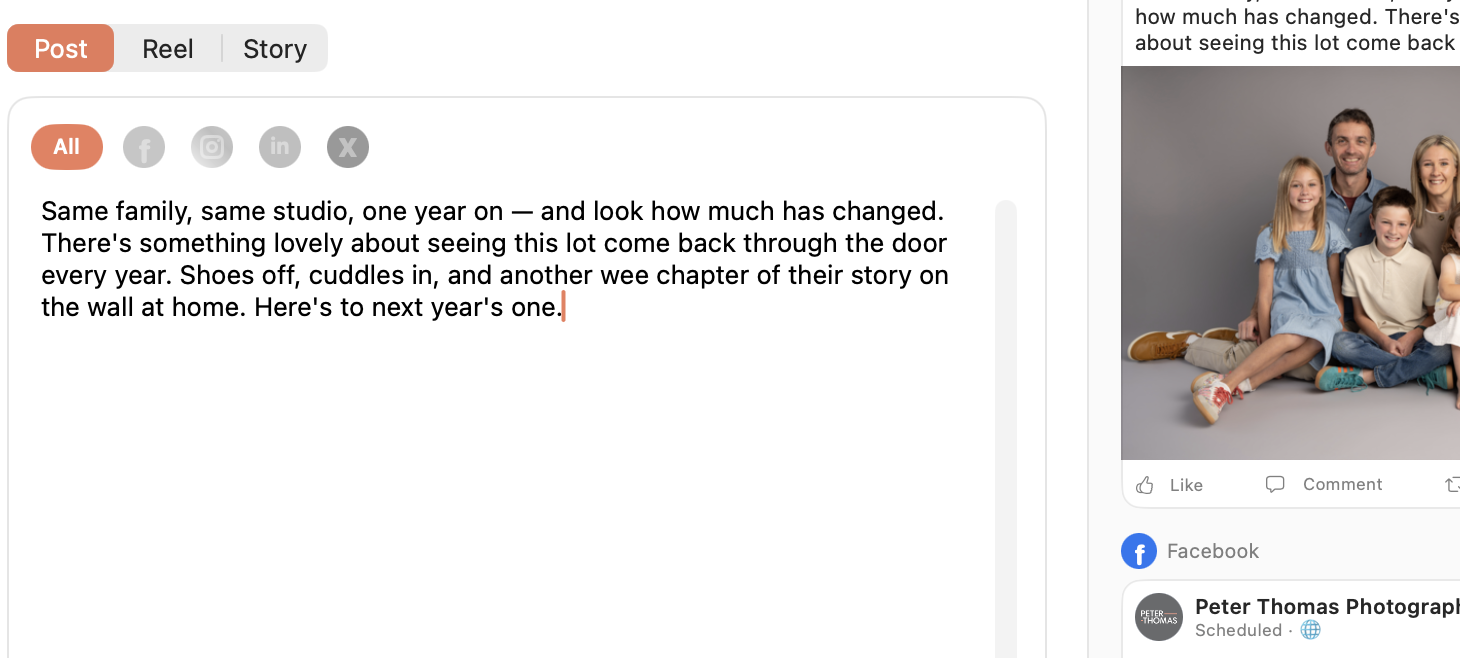
Photolino will look at your schedule, your location and style, and will suggest ideas on what to post next.
generate ideas for your next post.
Let our AI suggest the best time to post. Once you’ve figured out the best times, you can save it as a default.
post at the perfect time
more cool features…
Get that calendar full!
Schedule your posts, reels and stories as far ahead as you like!
Grid Preview
View a preview of your Instagram grid.
Manage Multiple Brands
Easily flick between brands and use different AI instructions for each
iCloud sync between computers
Part of a team? Sync your settings between computers
Organise
See a photograph with social potential? Just right click it in finder, lightroom or Photolino View and add it to a board.
view our walk-through videos….
PRICING
Coming September 2026